








Renovation calculators that give you a number you can actually use
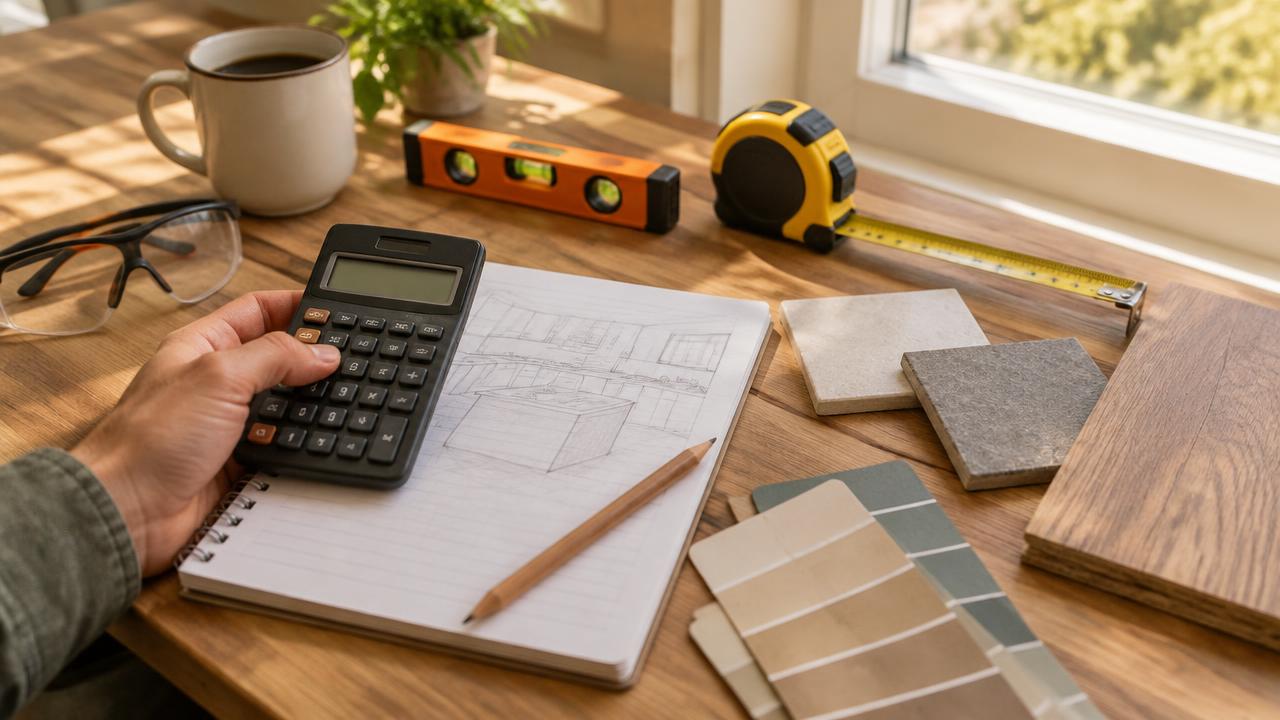
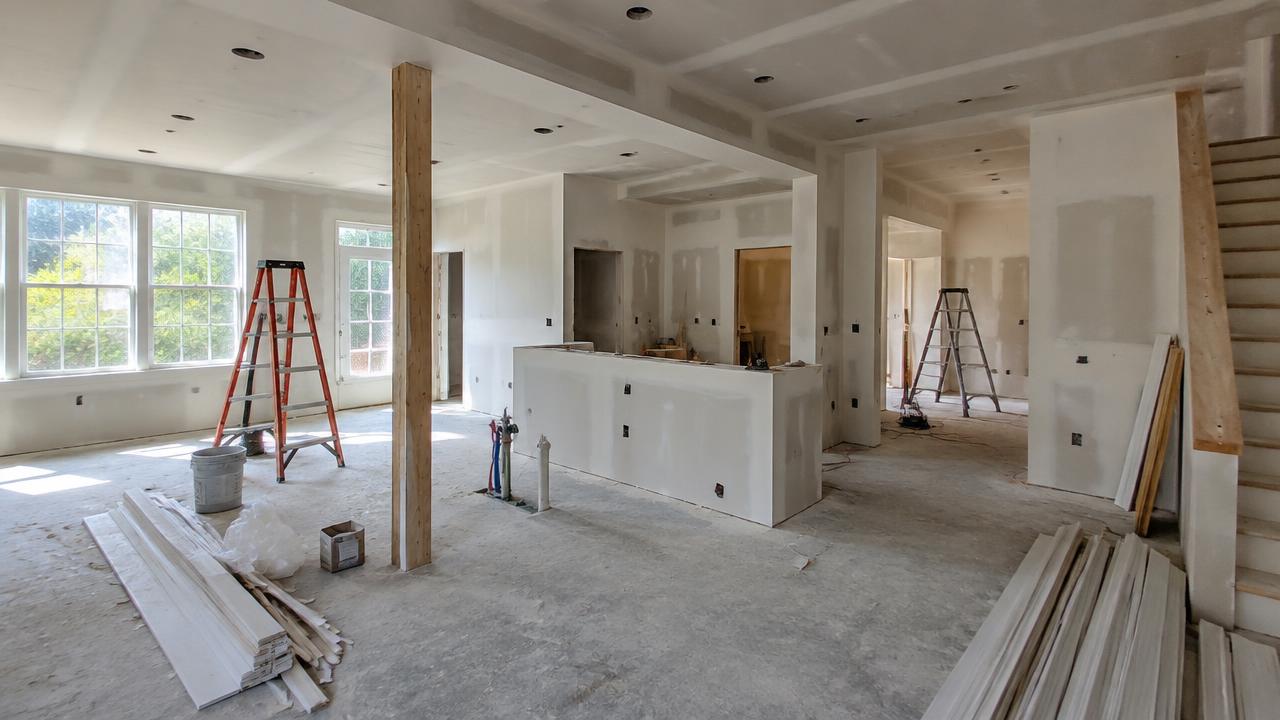
A renovation rarely fails because nobody wanted it. It fails because the money ran out halfway through. These calculators exist to move that moment of reckoning to before you pick up a hammer: type in the room size, the finish level and the rates you have been quoted, and a realistic range appears in a few seconds. Nothing here sits behind a sign-up and nothing charges you. The only things they ask for are a tape measure and about a minute per project.
Why every project needs an estimate before the first phone call
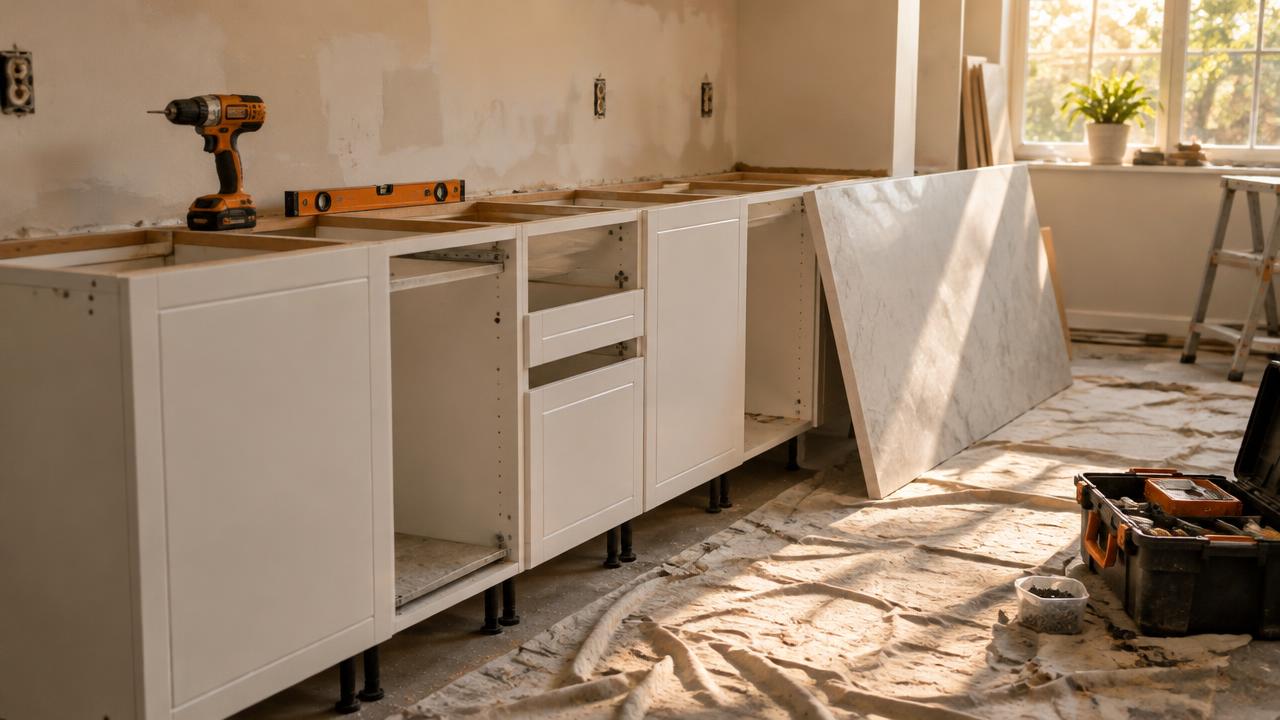
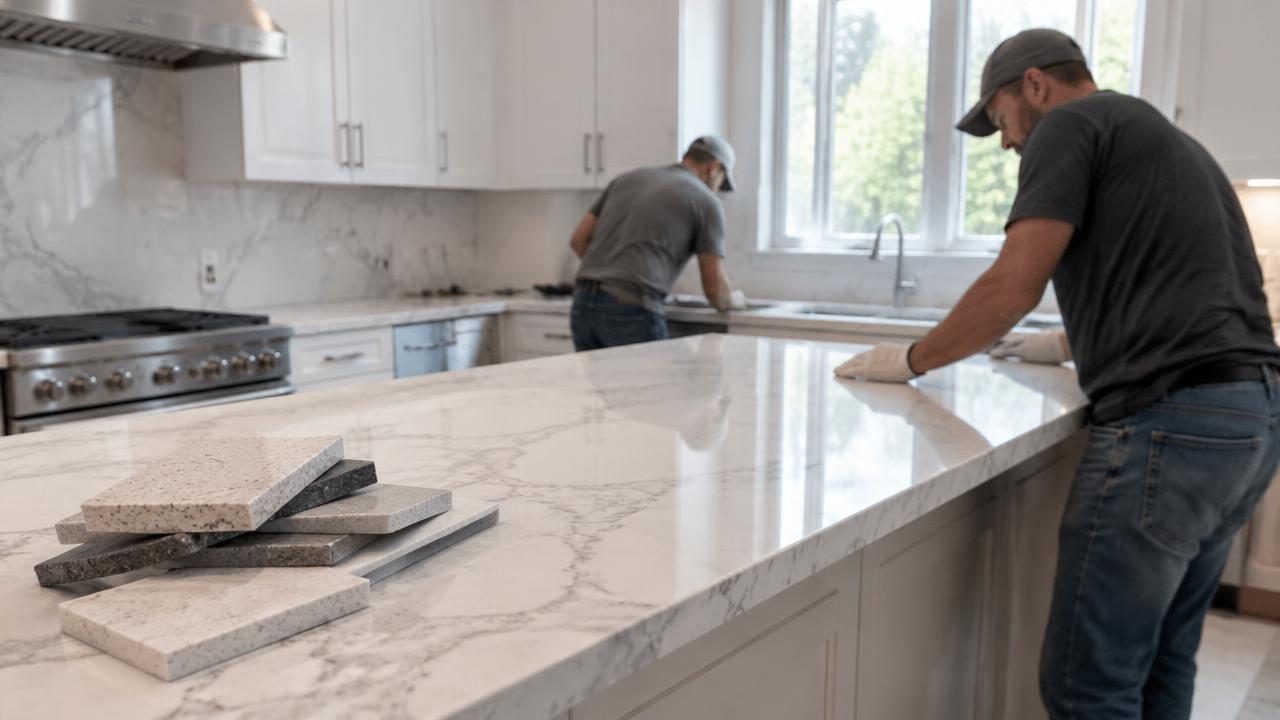
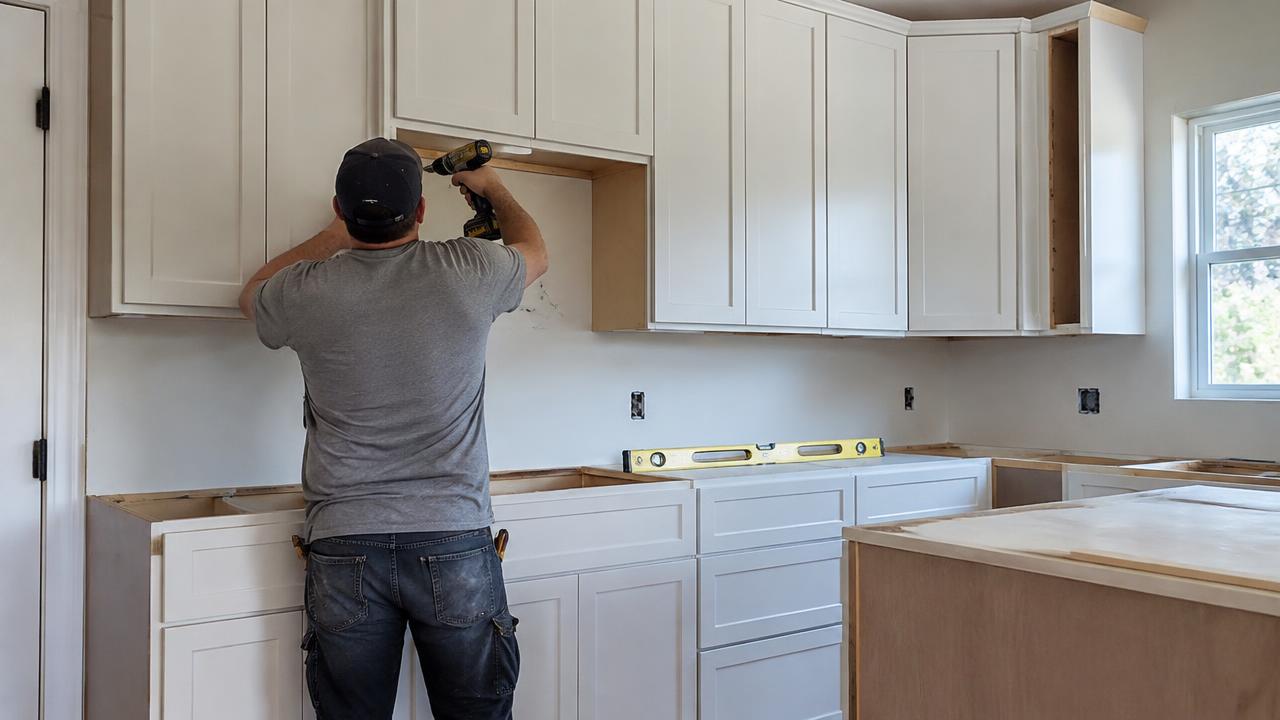
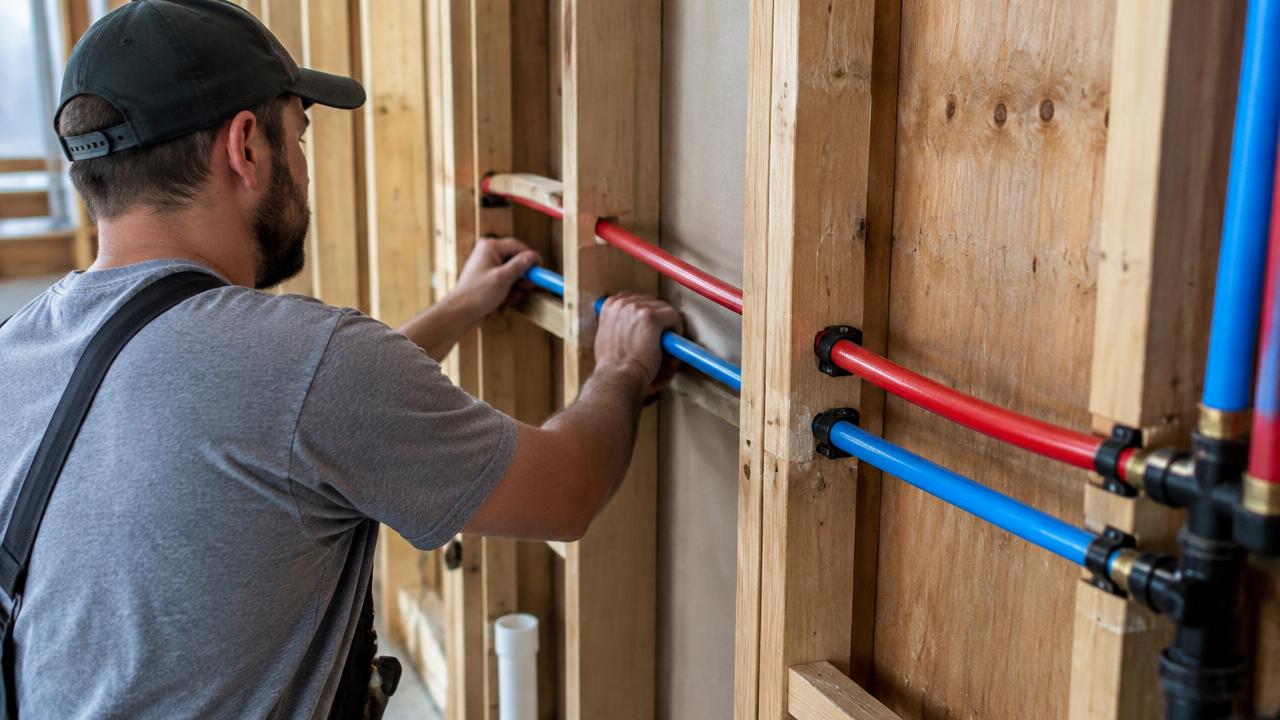
Builders are usually happy to quote, but a quote is only useful once you can tell whether it is high, low or normal for your area. Open the kitchen remodel cost calculator or the bathroom remodel cost calculator first, choose a finish level — budget, mid-range, high-end, or your own rate — and you get a figure you can hold next to the offers that arrive. That one step changes the conversation. You stop asking "is this a lot?" and start asking "what exactly is included in this price?", which is the question that saves money. If the quotes come back further apart than you expected, the quote comparison tool lines them up side by side so gaps in scope become obvious instead of hiding in a paragraph of small print.
Cost estimators: one room, or the whole house
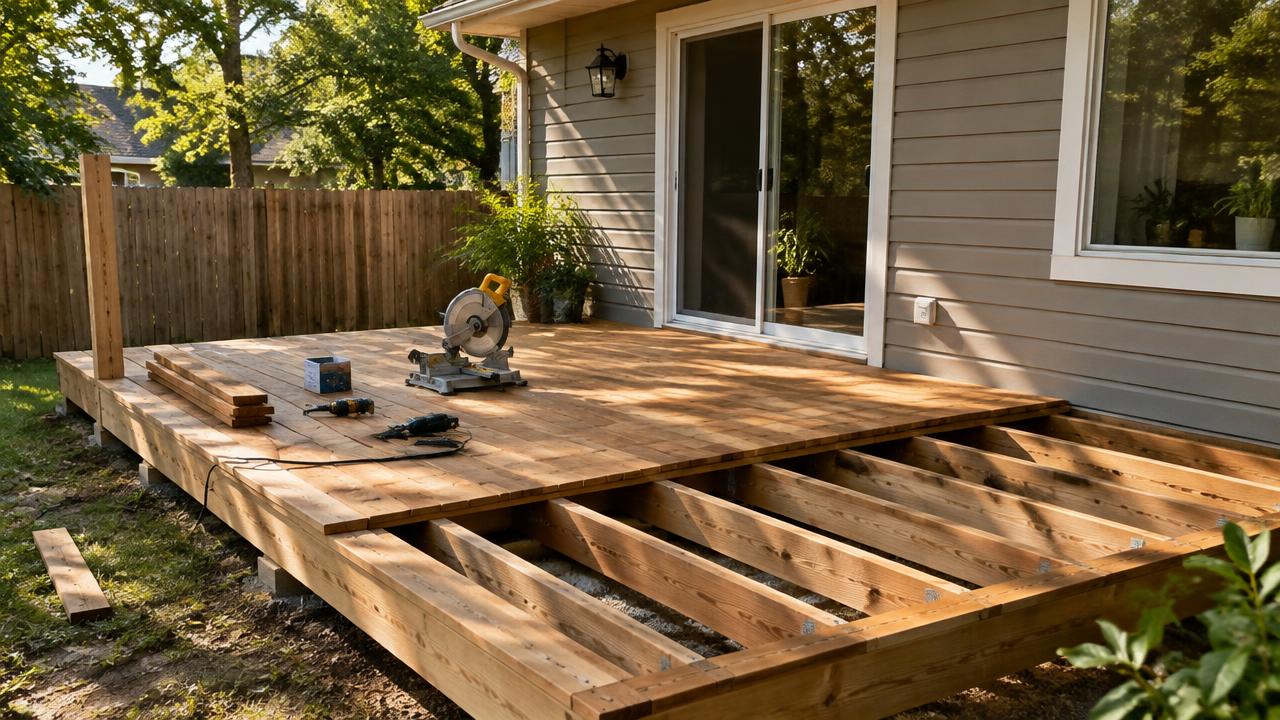
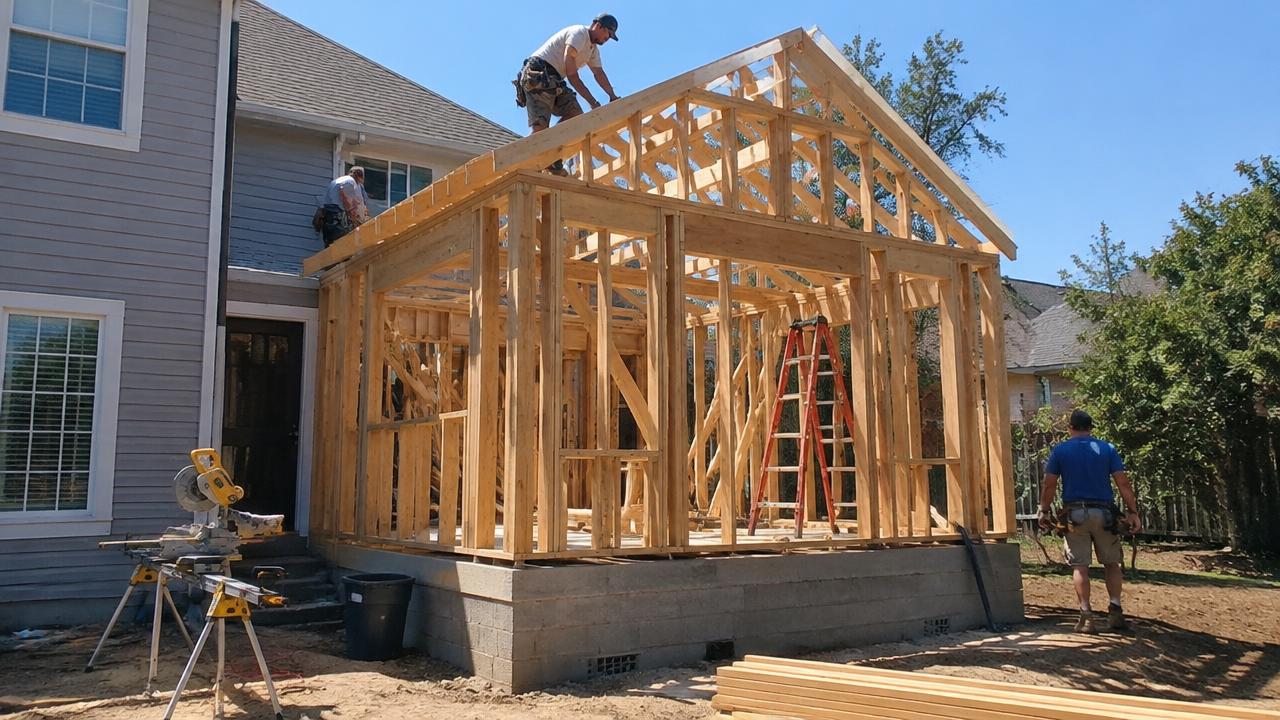
For a single room, the room-level estimators are the fastest way to a working number. For a whole property, the renovation cost calculator turns your total budget into a cost per square foot or square metre — the figure surveyors and insurers use as a sanity check. It is also the fairest way to compare a cheap house that needs everything against an expensive one that only needs a new kitchen. Run it before you commit to a purchase, not after.
Material calculators: buy once, buy right
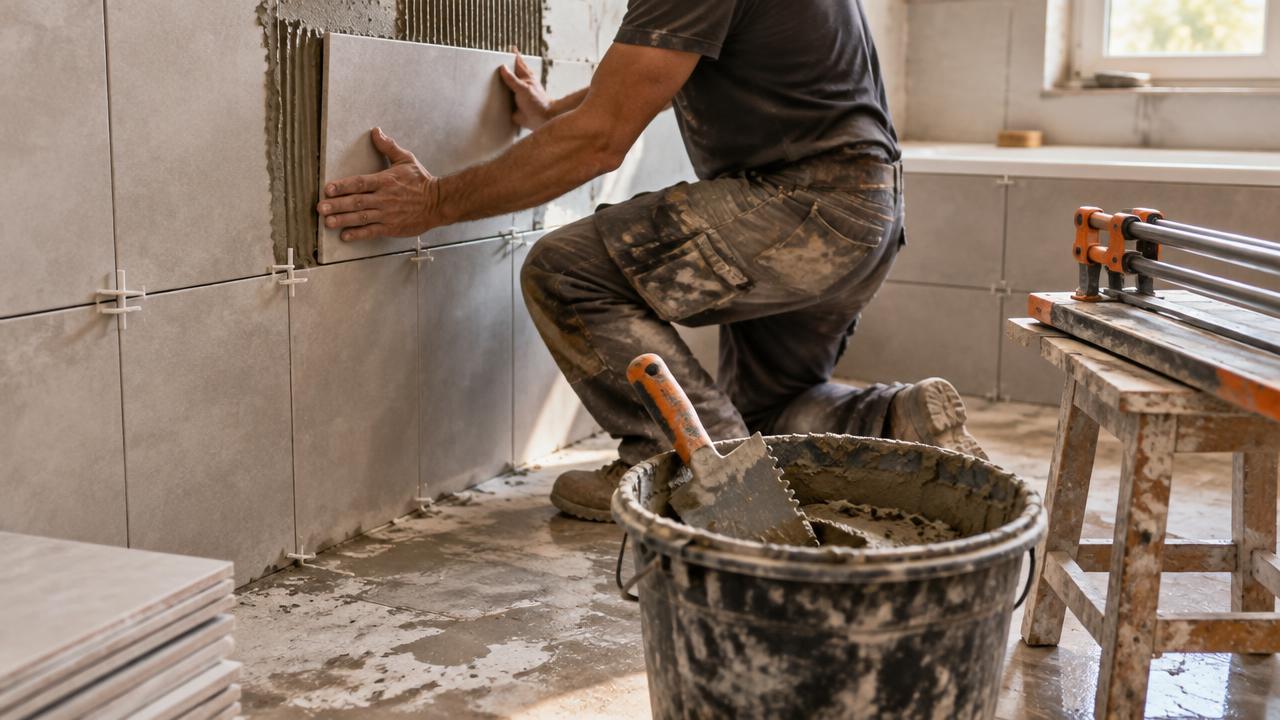
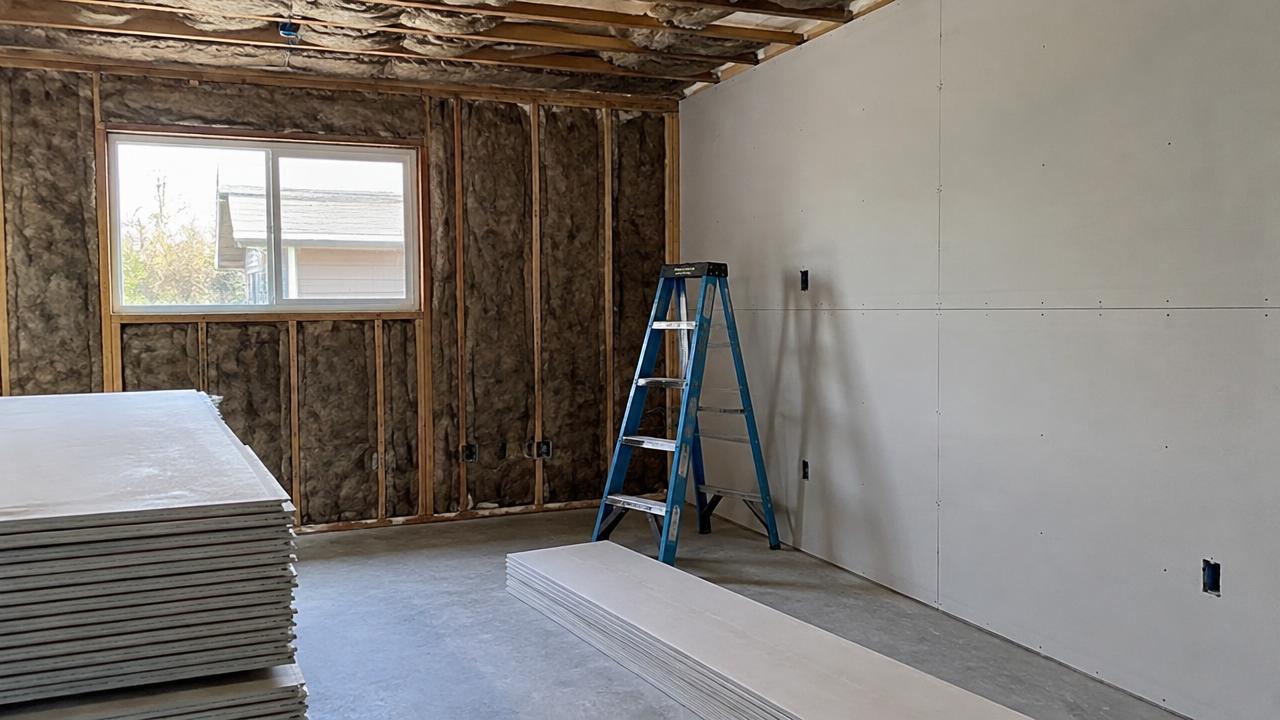
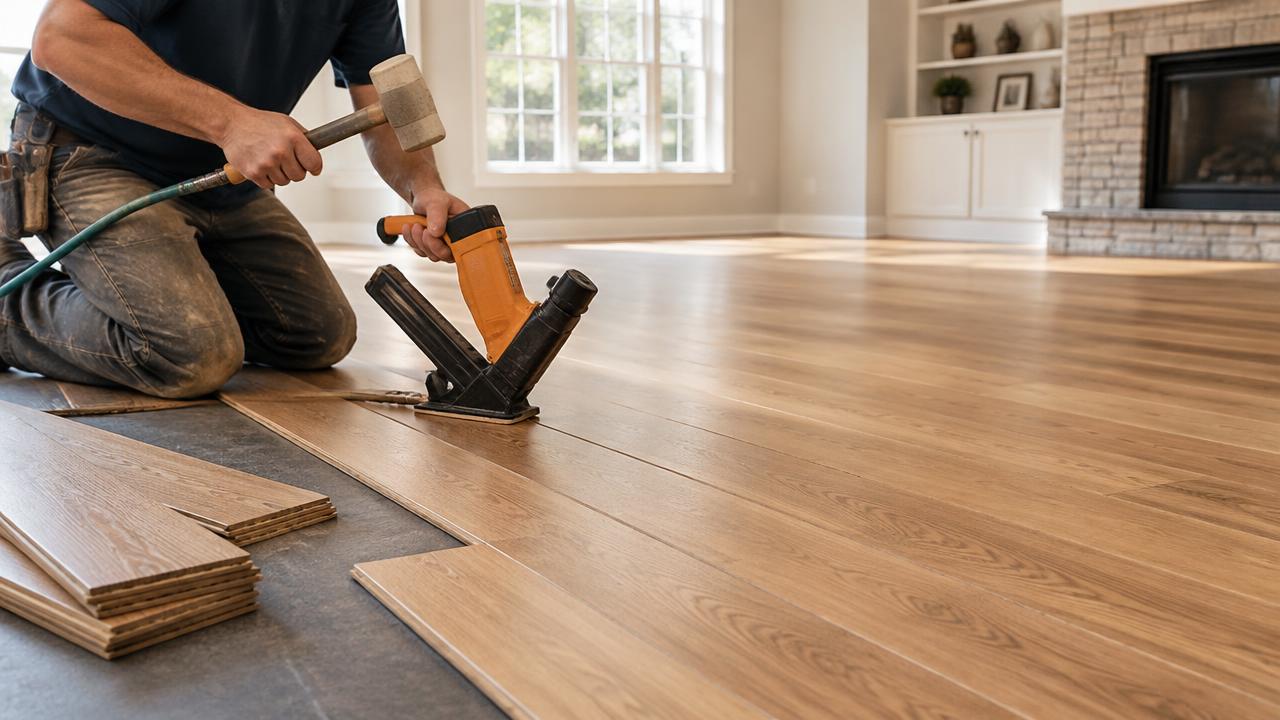
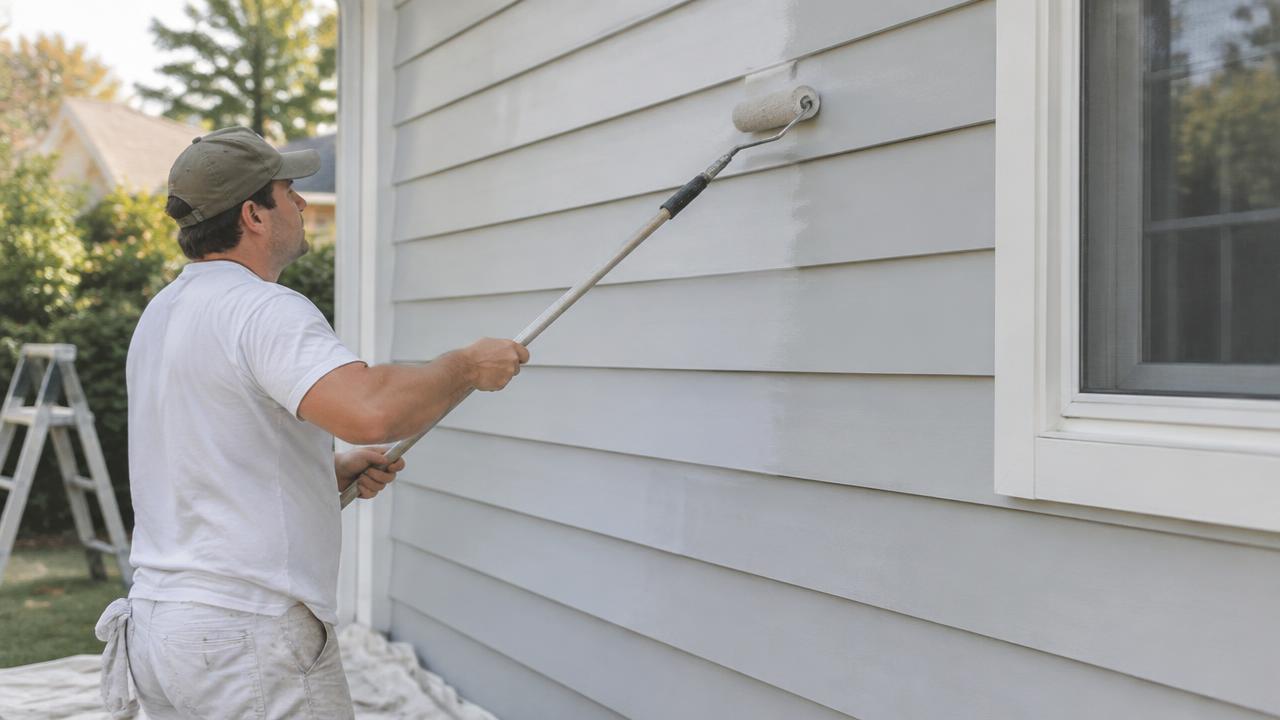
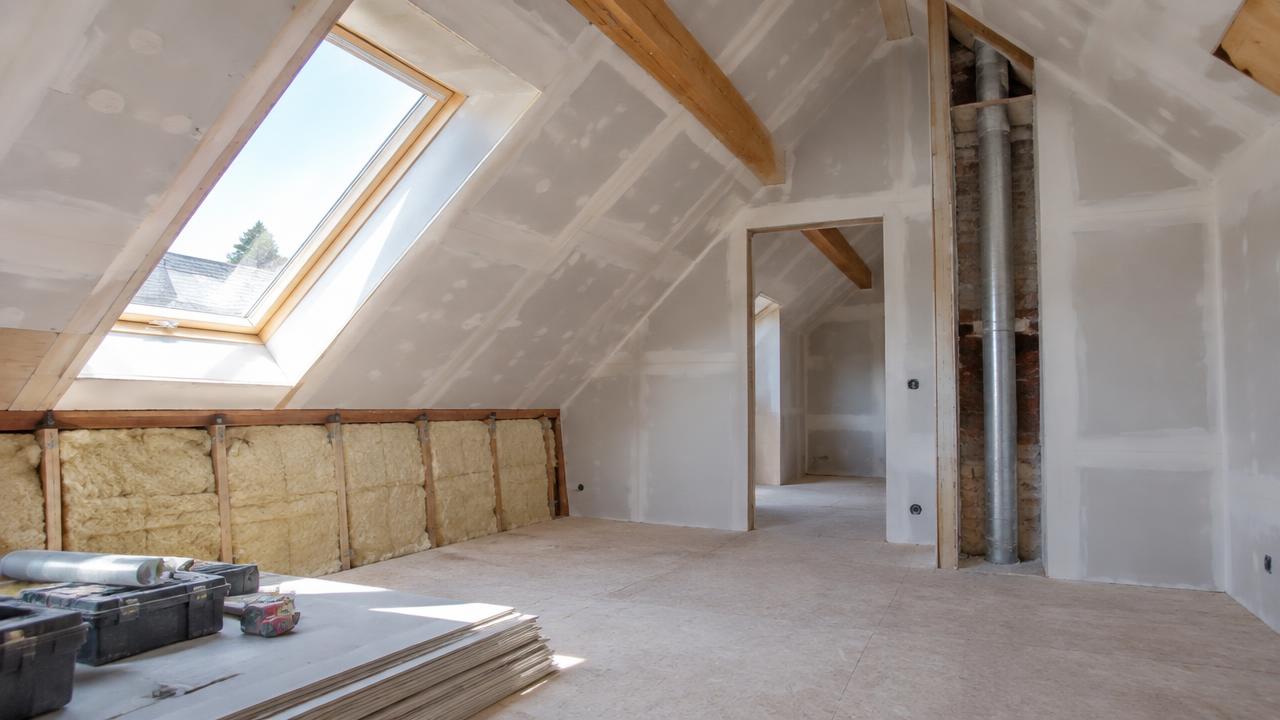
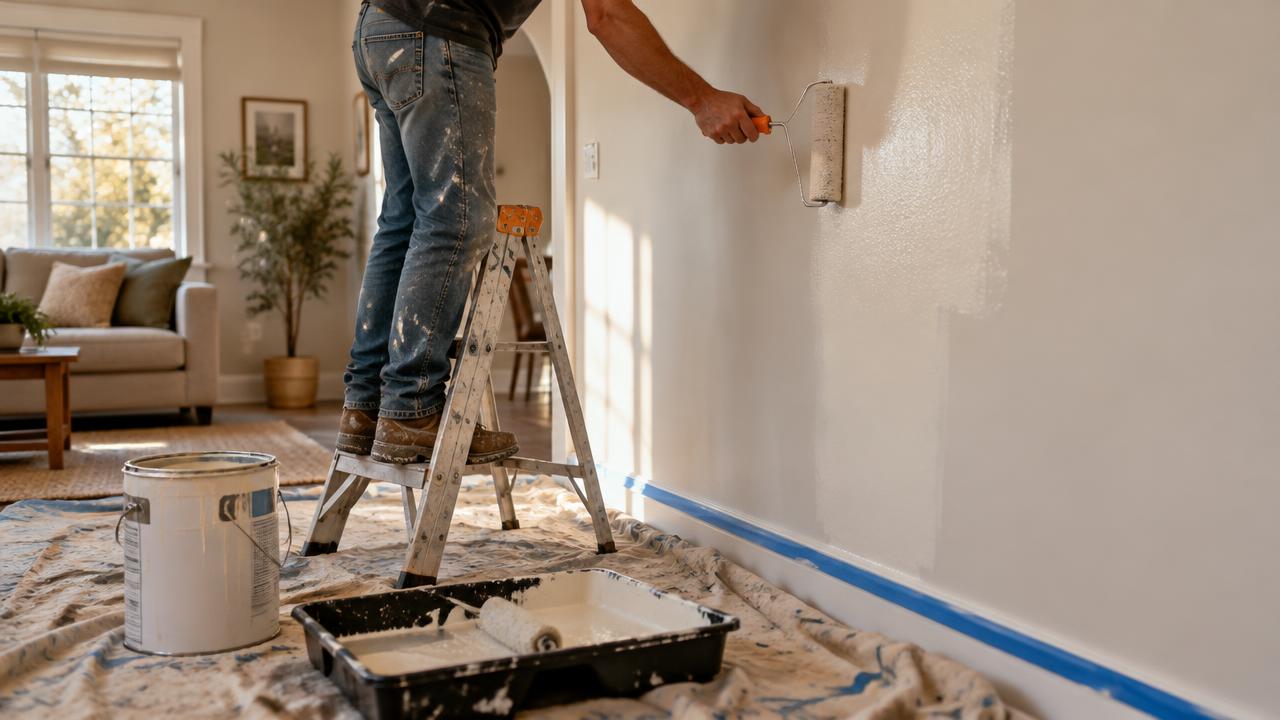
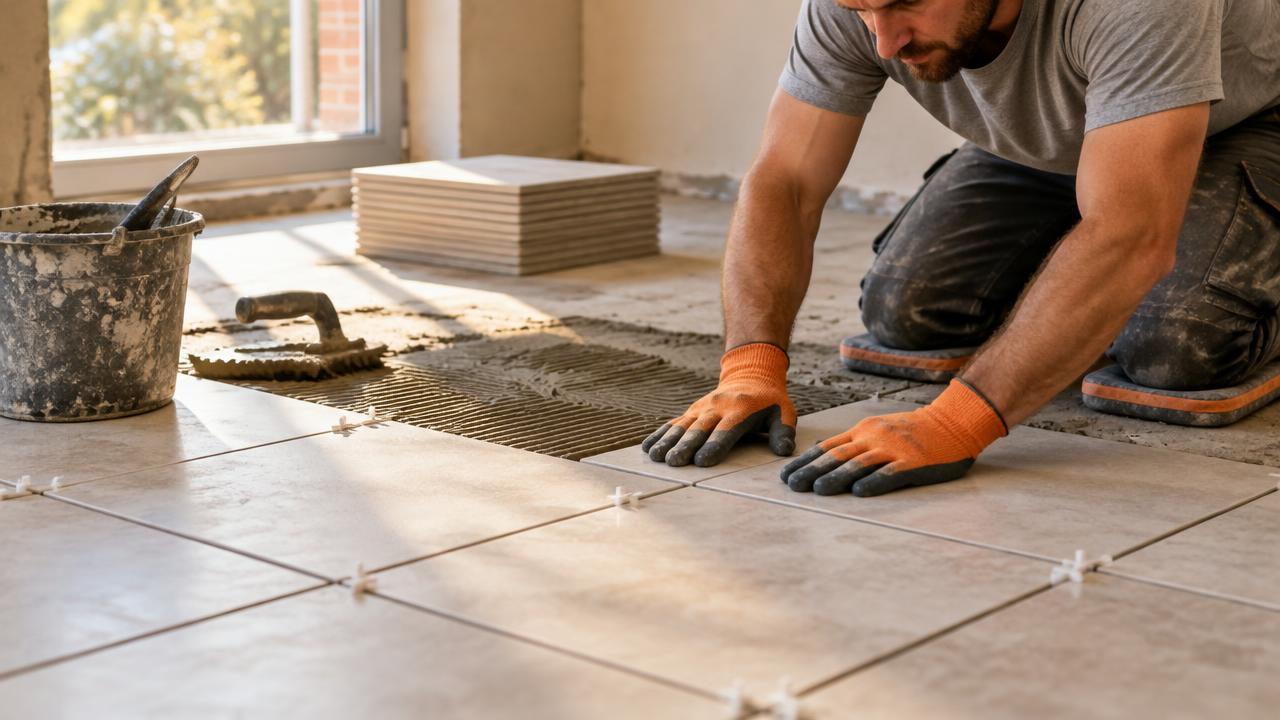
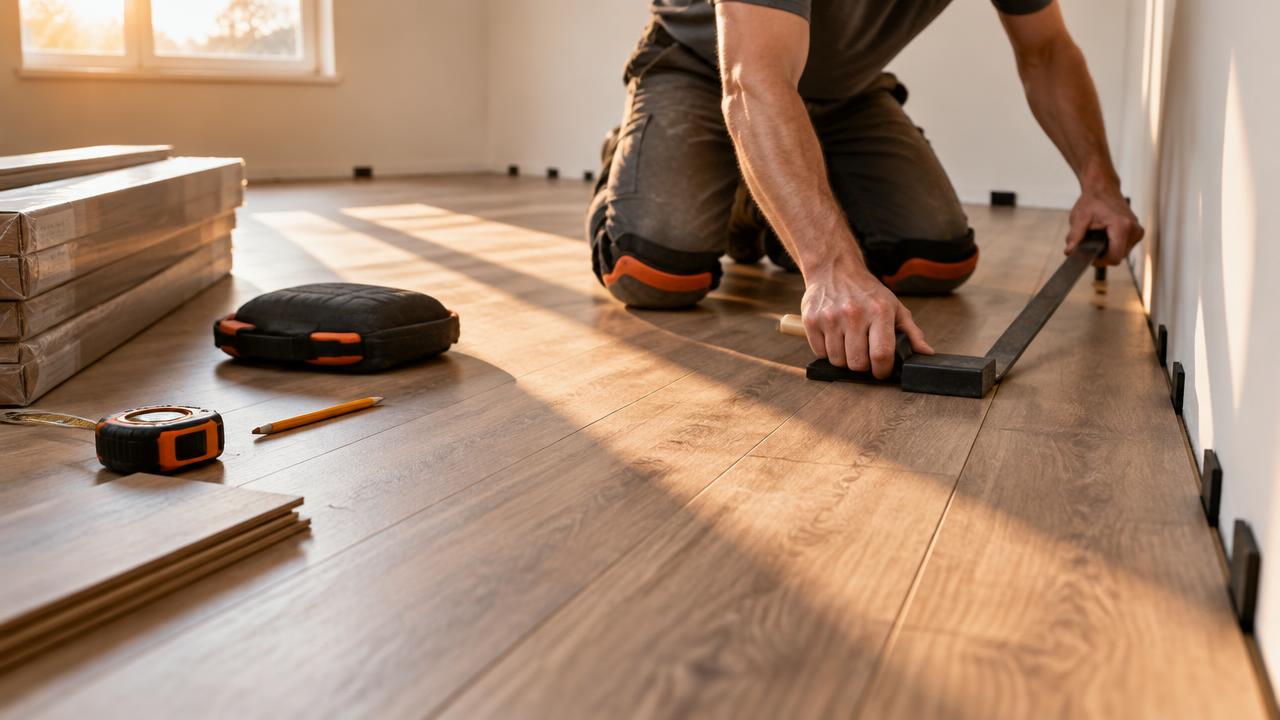
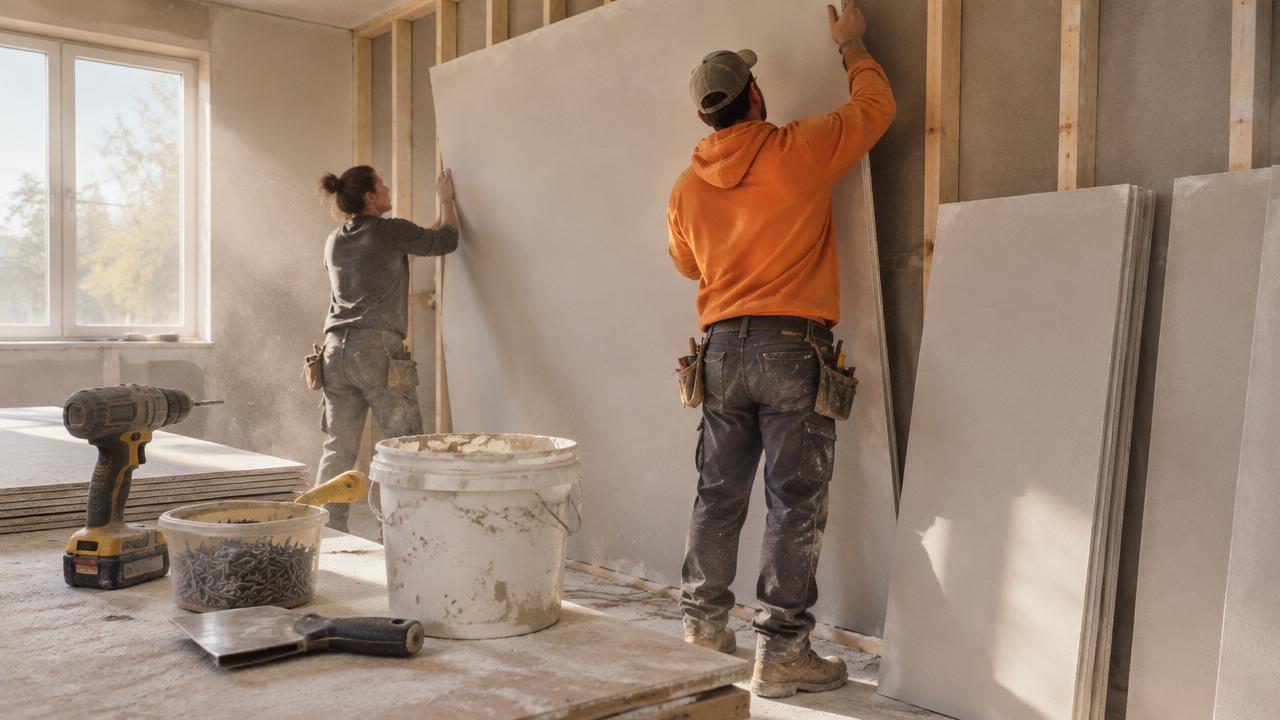
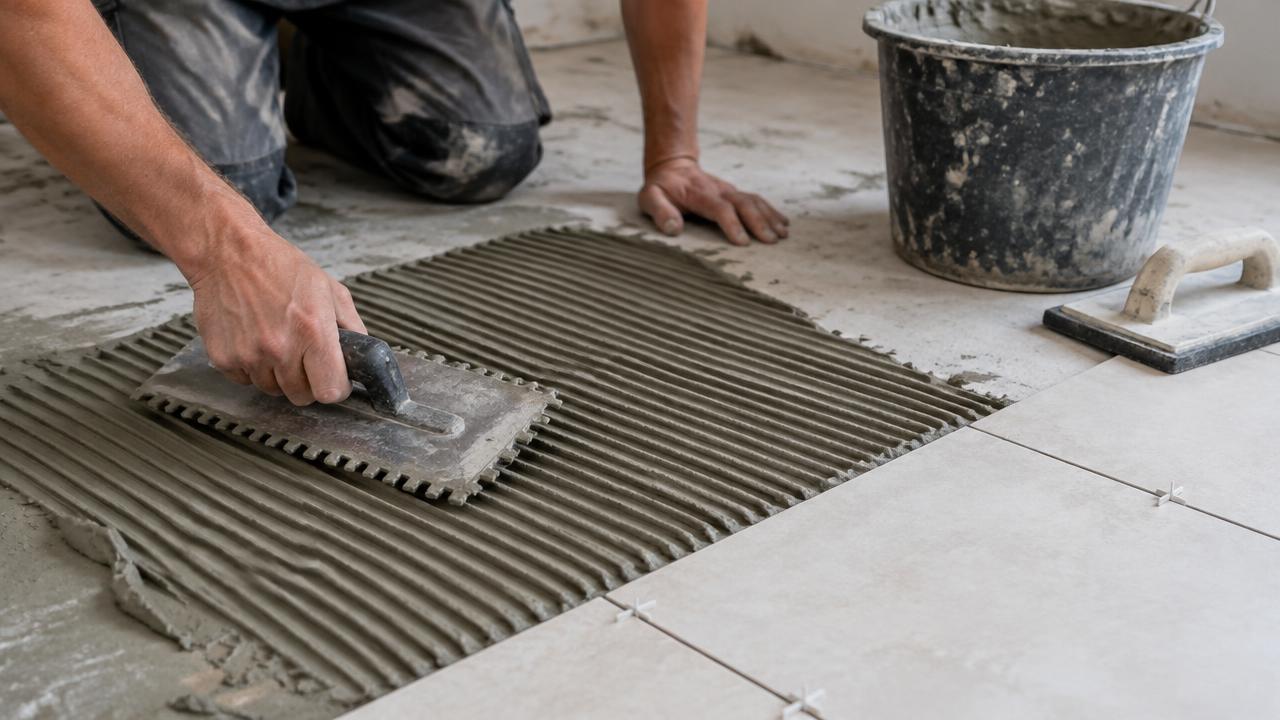
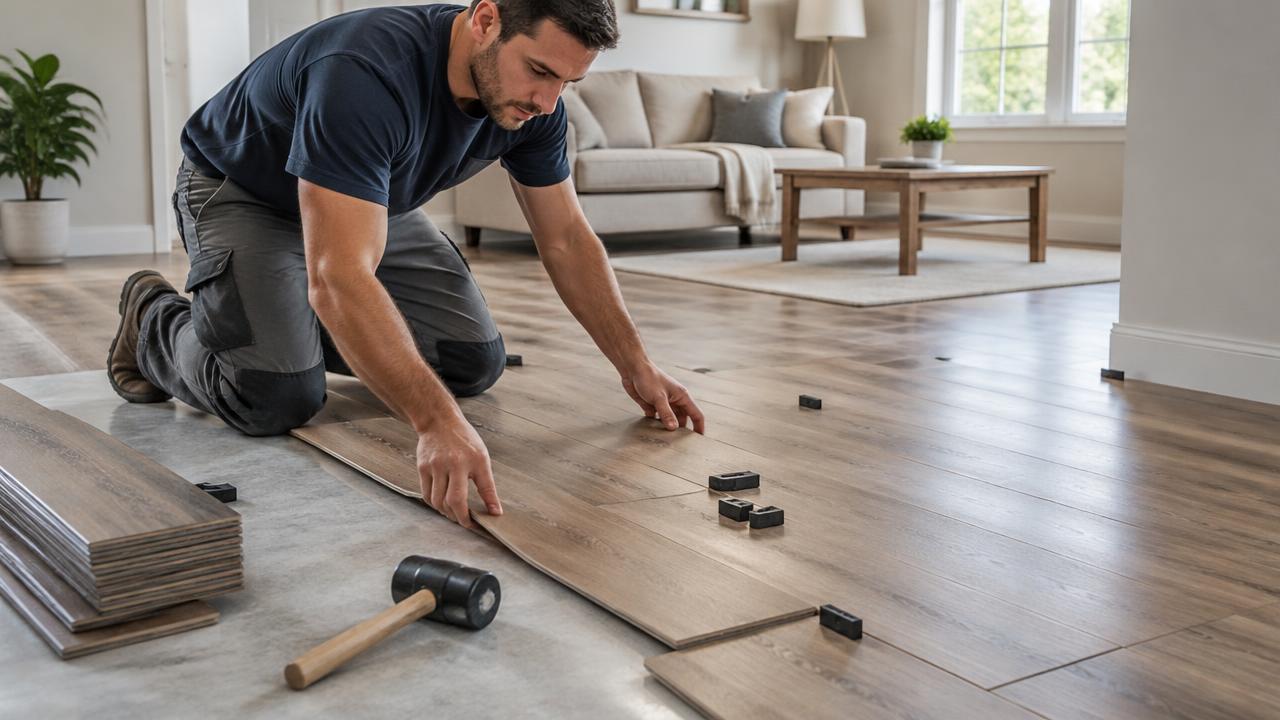
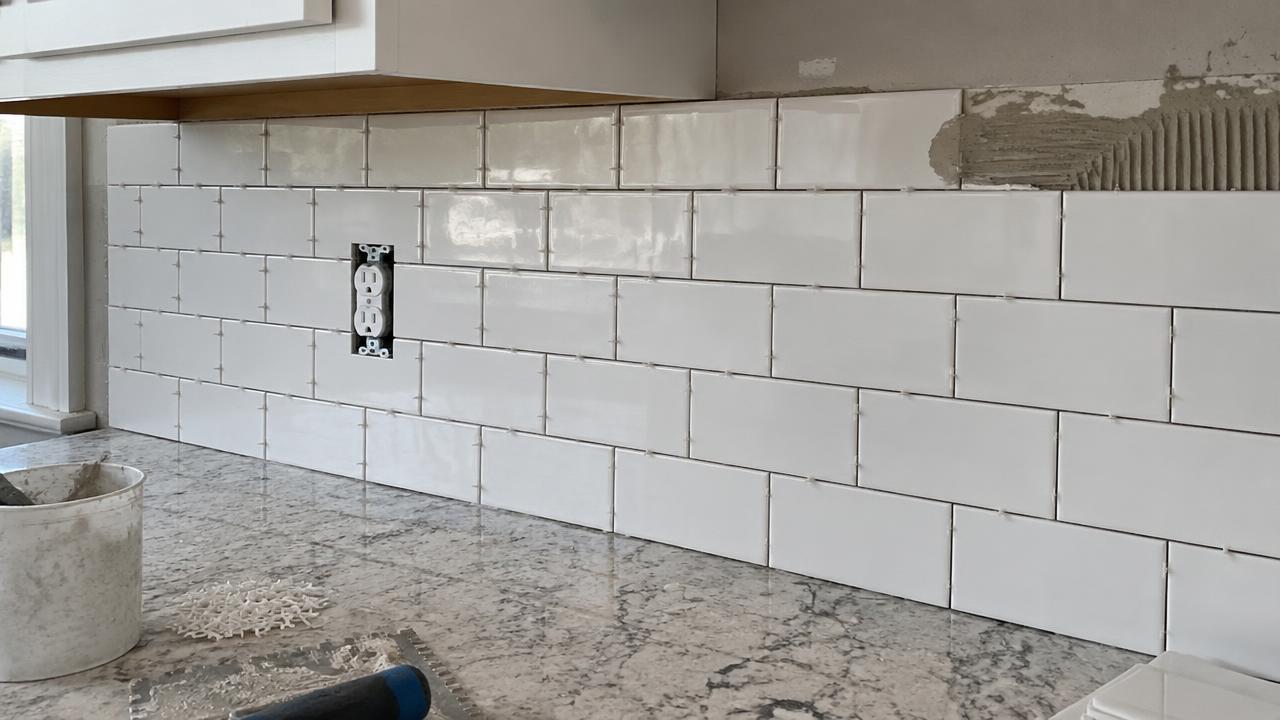
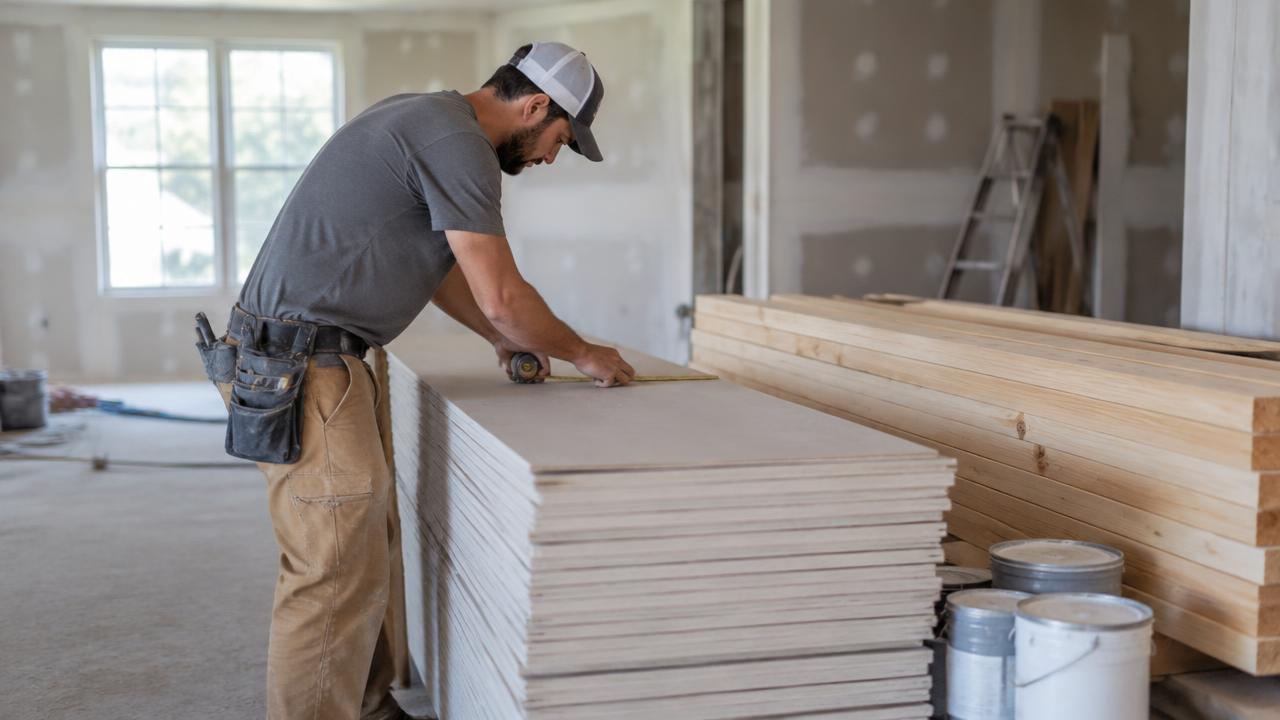
Over-ordering is the most common quiet cost in DIY. Under-ordering is worse, because a second trip to the store costs half a day and the second batch of tiles or dye lot of paint rarely matches the first. The paint calculator works out gallons or litres from wall area, taking the doors and windows you tell it about out of the total. The tile calculator adds a waste factor for cuts and breakage — roughly 10% for a straightforward floor, 15% or more for diagonal laying or a room full of corners. The flooring and drywall calculators do the same job for planks and sheets, converting your measurements into boxes and panels rather than an area you then have to divide yourself. Each one lets you type in the price you were actually charged, so the estimate stays honest even when the shop two towns over is cheaper.
Budget tools: turn one number into a plan
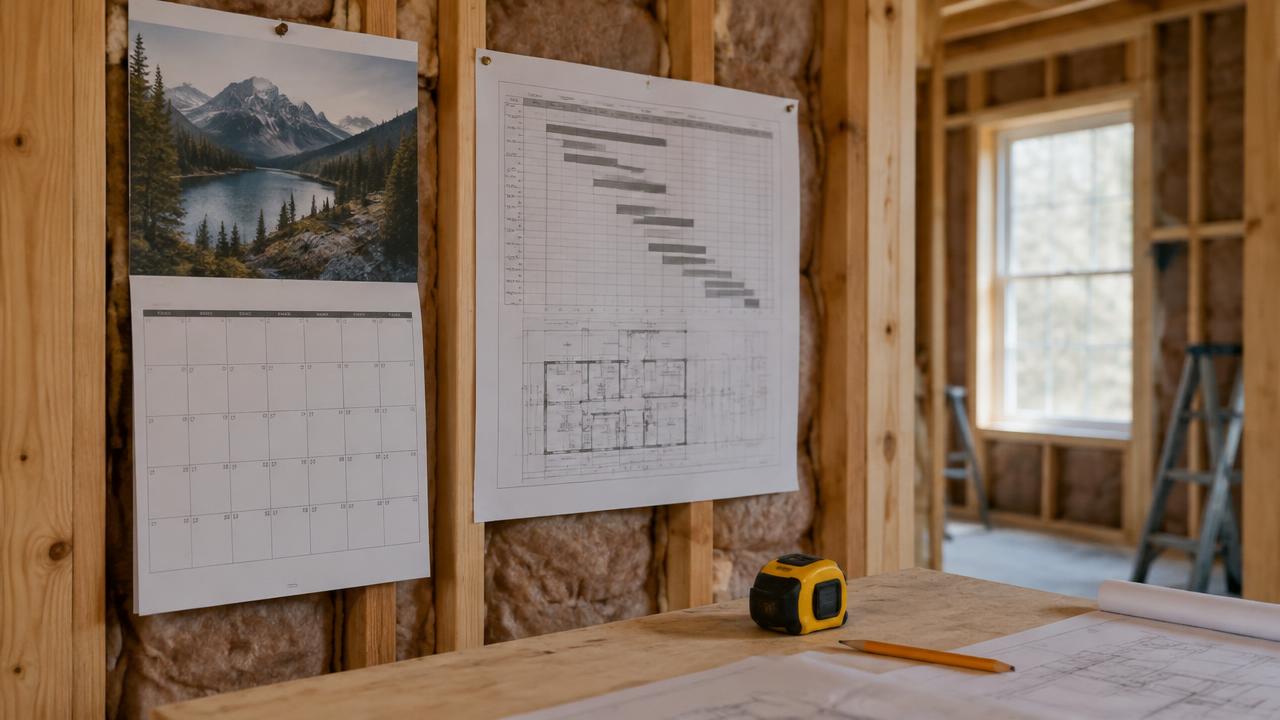
Knowing the cost is only half the job. The renovation budget calculator takes your project totals and adds a contingency of 10 to 20% — the money that pays for the rot nobody could see behind the bathroom wall. The DIY vs hire tool compares what a job costs if you do it yourself against what it costs to hand it over, including the equipment you would have to buy to do it. Both feed off the same figures as the estimators, so one change is visible everywhere in your plan.
Metric and imperial, with no conversion errors
Seven of these tools switch between feet, inches and gallons and metres, centimetres and litres with one click. That matters more than it sounds: the most common calculator mistake is doing the arithmetic in one system and reading the answer in the other. Set the switch before you type and every field, rate and result follows it.
Not sure where to start? Open the calculator for the room you are doing first, get a range, then run the budget tool with a contingency on top. Two numbers — what the work costs, and what being wrong costs — is already a plan.